
DESCRIPTION
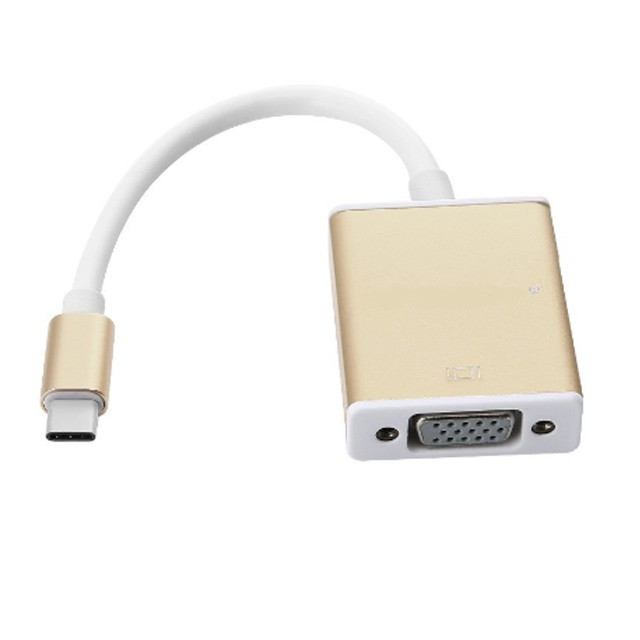
USB-C to VGA adapter cable is a small video converter that lets you connect a modern device with a USB-C output port (like a laptop, tablet, or phone) to an older VGA display or projector that uses a VGA connector (15-pin, analog). It has:
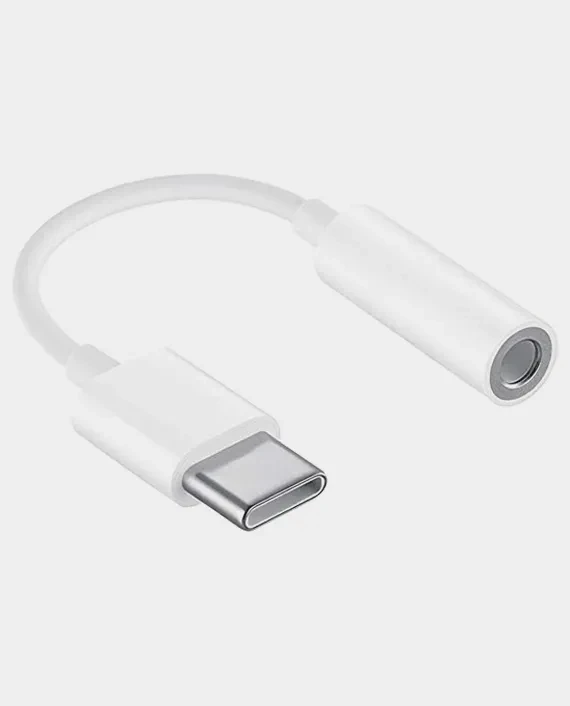
USB-C male on one end — plugs into your device
VGA female on the other end — you plug a standard VGA cable into it to reach the monitor/projector
Key Features
Converts USB-C video to VGA video
• Lets you connect a USB-C port on your laptop/tablet to a VGA display, projector, or monitor. It converts digital USB-C (via DisplayPort Alternate Mode) into analog VGA output.
USB-C Male → VGA Female Connector
• USB-C connector plugs into your device; VGA female port accepts a standard VGA cable to the display.
Supports High-Definition Resolutions
• Typically up to 1920 × 1080 @ 60 Hz (Full HD) and many support up to 1920 × 1200, giving clear video on larger screens.
Plug-and-Play (No Drivers Needed)
• Simple connection — no software installation required on Windows, macOS, ChromeOS, or Linux (as long as the USB-C port supports video).
Reversible USB-C Connector
• USB-C’s reversible design makes plugging in easier — no “right way up” needed.
Bus-Powered (No Extra Power Cable)
• Draws power from the USB-C port — no separate power adapter needed.
Broad Device Compatibility
• Works with devices that support USB-C DisplayPort Alternate Mode or Th Compact & Portable
• Small dongle or short cable design makes it easy to carry for travel, meetings, or classrooms.