
Main Logo

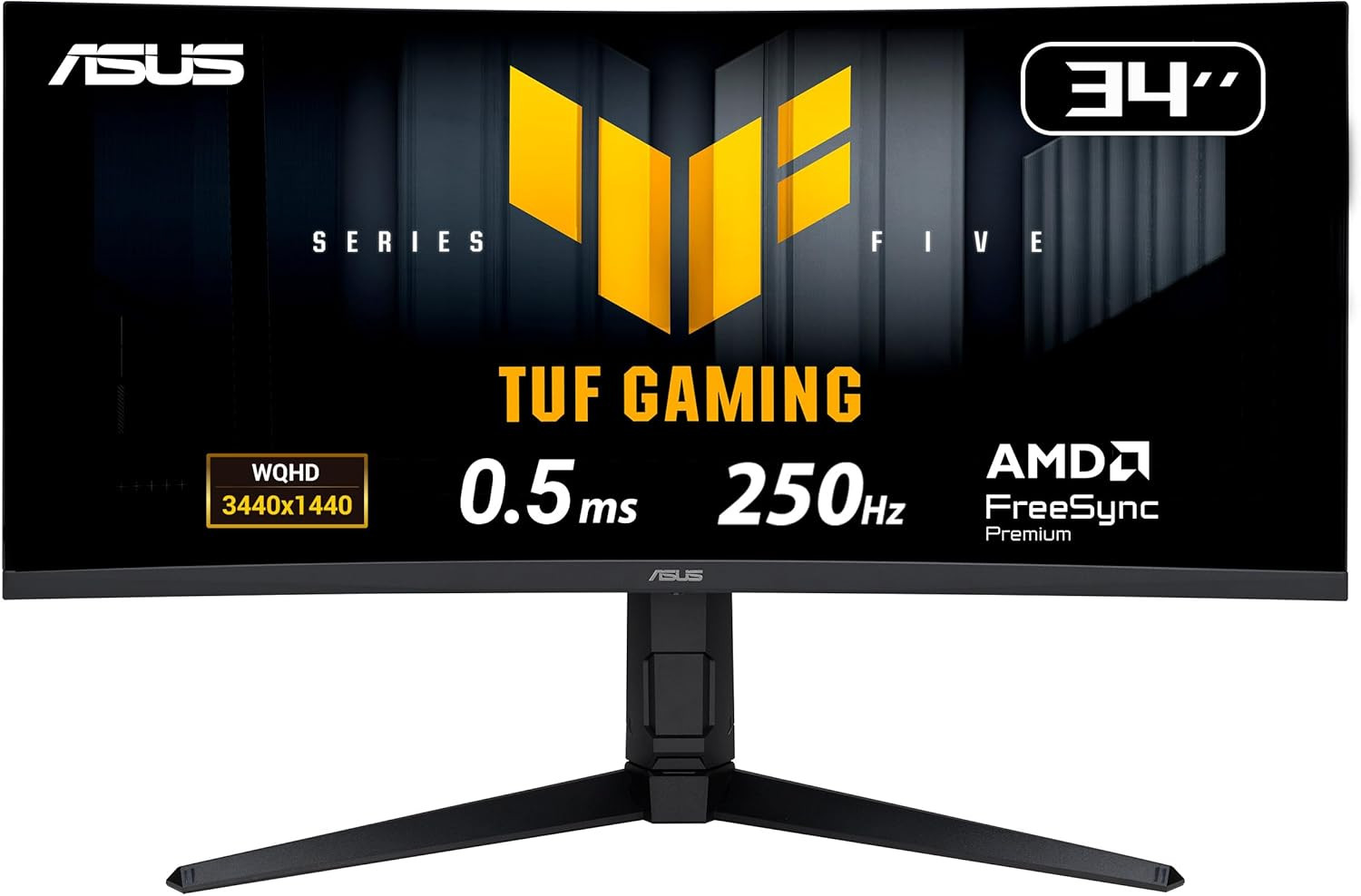
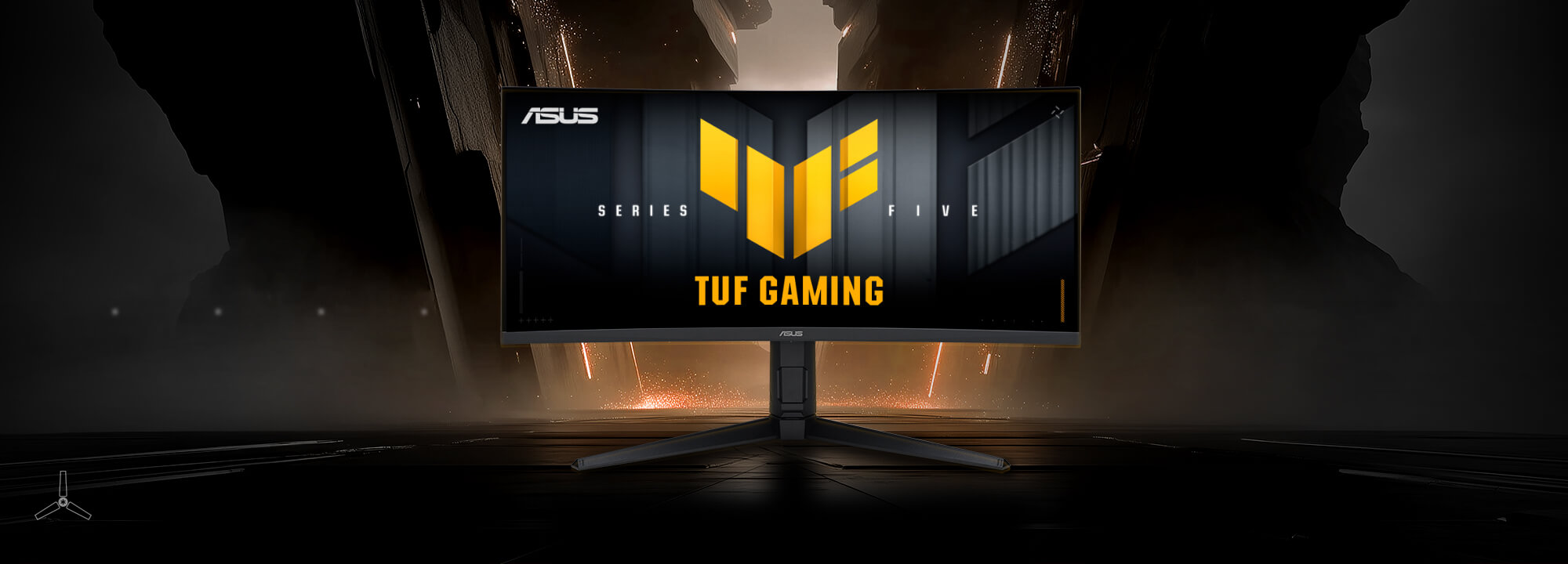
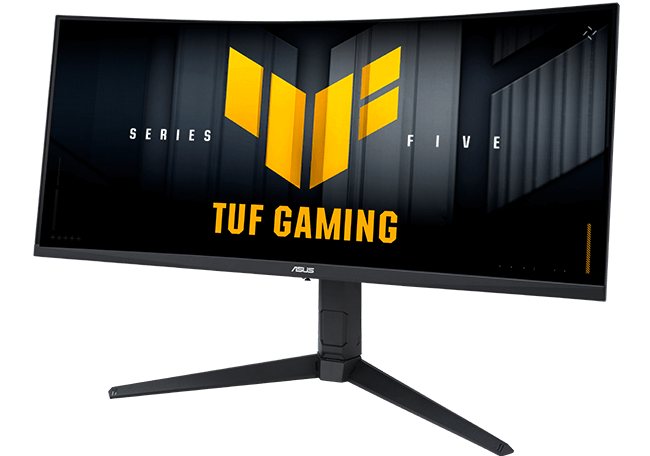
ASUS TUF Gaming VG34WQML5A Series 5 Gaming monitor ― 34-inch WQHD Fast-VA panel, 250Hz(OC), 0.5ms, AMD FreeSync Premium, DisplayHDR 400, 95-Percent DCI-P3, DisplayWidget Center, Gaming AI, HDMI 2.1

SKU: #21211
Brand Asus
Model ASUS TUF Gaming VG34WQML5A
Source In House Product
In stock
Ready for Dispatch
Unit price
Rf 12,995.00
/ PCS
Quantity
(2 available)
Total Price:
Rf 12,995.00

We're sorry, this item is currently out of stock. Contact support for restocking updates.

Share
Optimizing product description height...


TUF Gaming Series 5 - VG34WQML5A gaming monitor ― 34-inch WQHD Fast VA panel, Curved design, 250Hz(OC), 0.5ms, AMD FreeSync™ Premium, Extreme Low Motion Blur, VESA DisplayHDR™ 400, 95% DCI-P3, DisplayWidget Center, Gaming AI
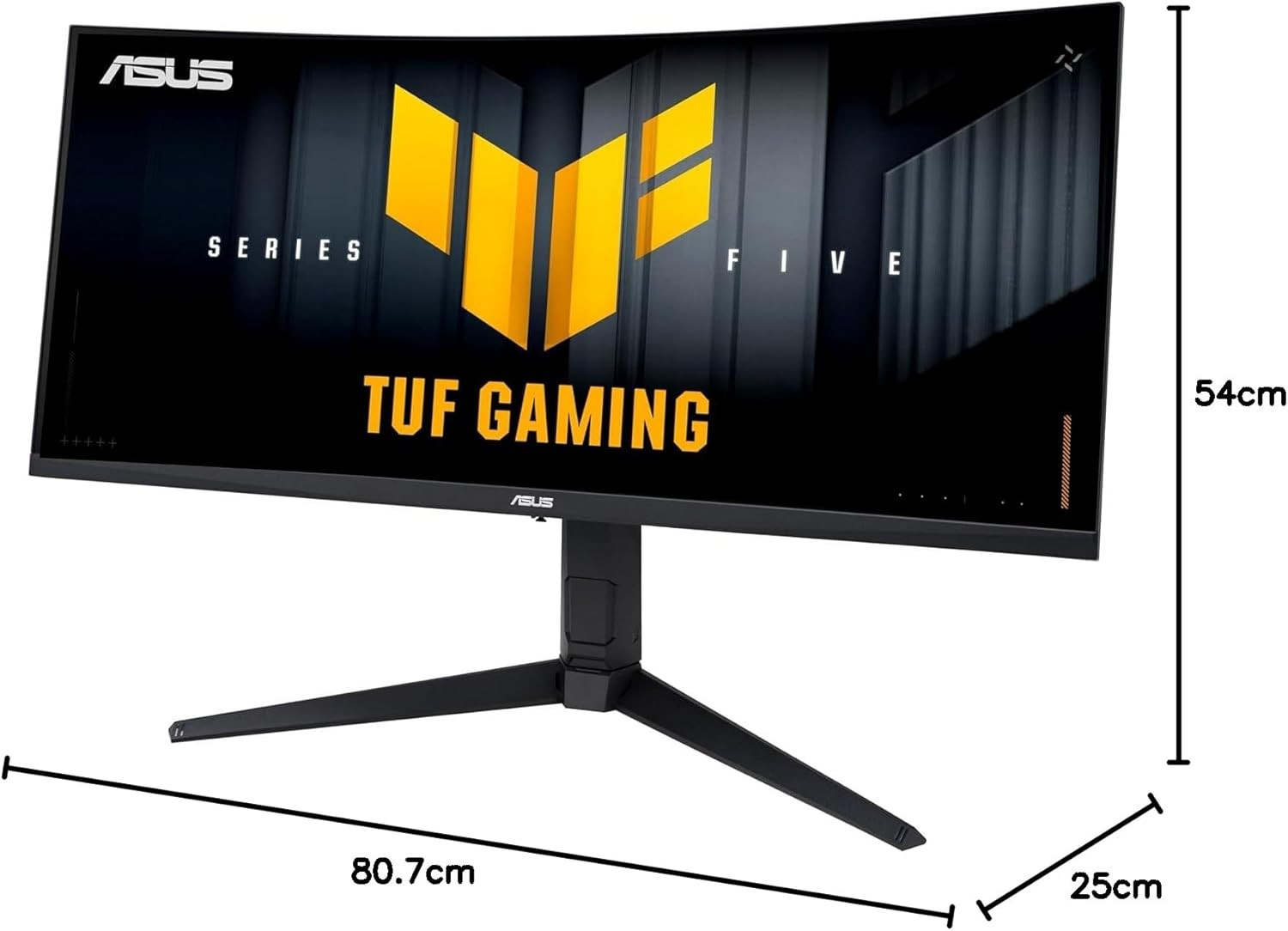
  • 34-inch WQHD (3440 x 1440) 1500R curved gaming monitor with overclock to 250Hz refresh rate designed for professional gamers and immersive gameplay
  • 0.5ms(min) response time to further reduce ghosting creates fluid gaming experience
  • FreeSync Premium delivers a seamless, tear-free gaming experience by enabling VRR (variable refresh rate) by default
  • ASUS Extreme Low Motion Blur Sync (ELMB SYNC) technology enables ELMB together with variable refresh rate, eliminating ghosting and tearing for sharp gaming visuals with high frame rates
  • High Dynamic Range (HDR) technology with DisplayHDR™ 400 compliance supports HDR-10 format to enhance bright and dark areas
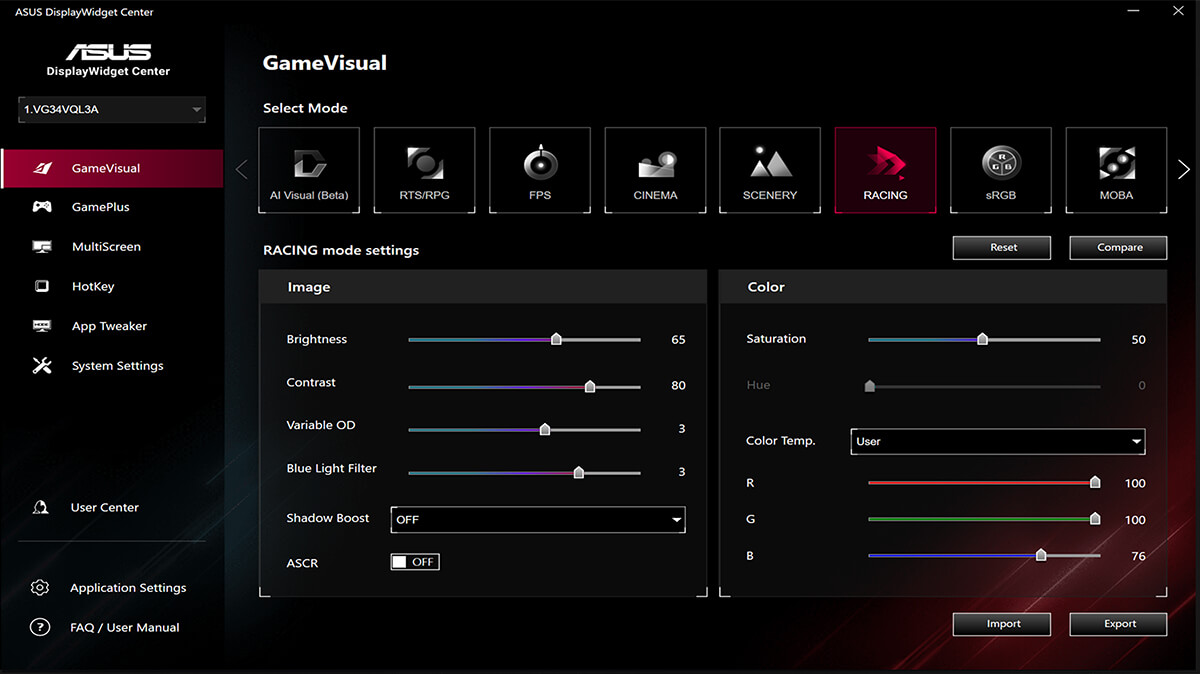
  • DisplayWidget Center enables easy OSD access and monitor settings adjustments with a mouse
  • TUF Gaming A.I technology with AI-powered features to enhance users' gaming experience
Adobe 3 month bundle
TUF Gaming VG34WQML5A
The TUF Gaming monitor VG34WQML5A displaying vibrant, colorful graphics with the TUF logo at its center.

TUF GAMING SERIES FIVEEPIC TUFUPGRADES

TUF Gaming VG34WQML5A

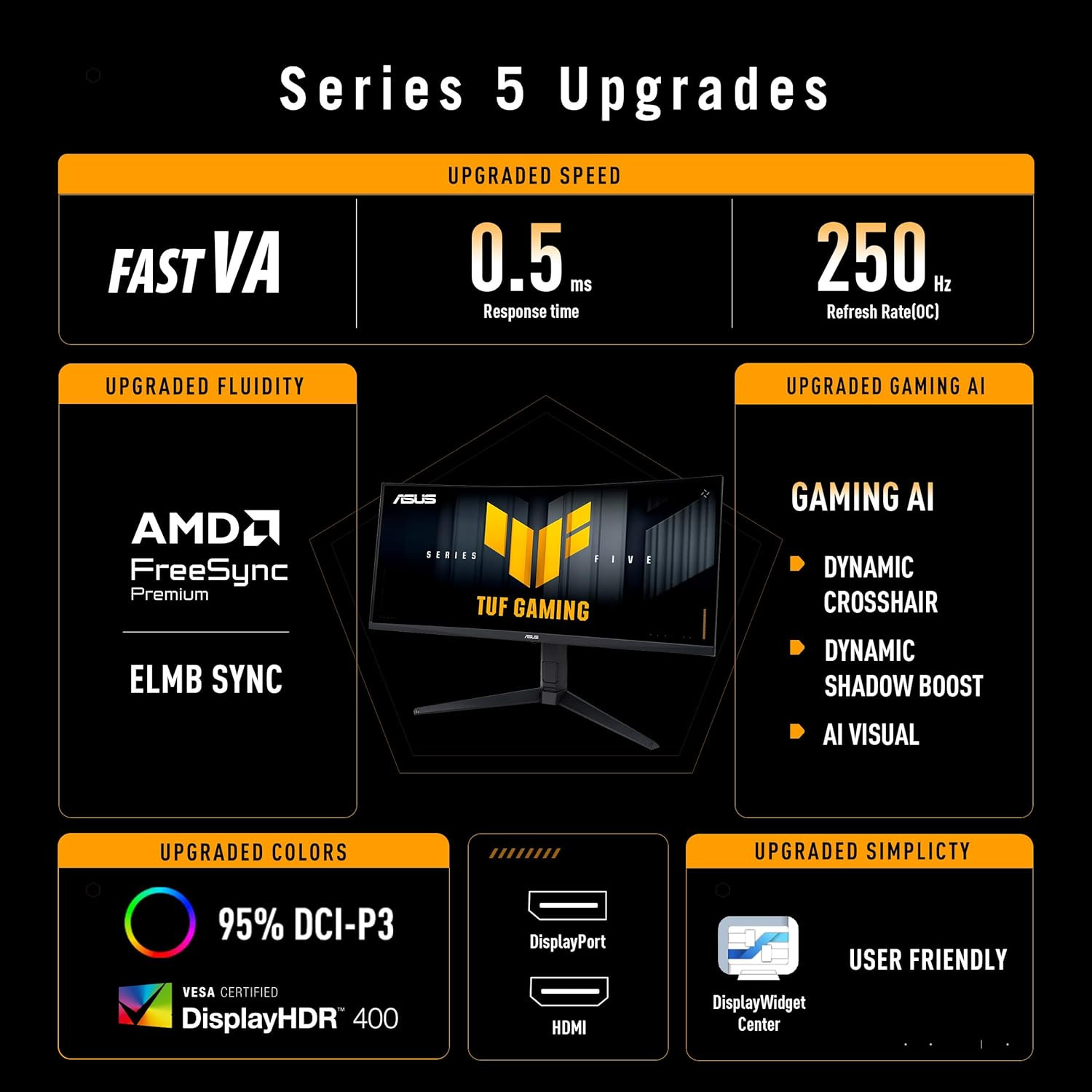
TUF Gaming VG34WQML5A is a 34-inch Ultra Wide QHD (3440 x 1440) 1500R curved gaming monitor that delivers five advanced upgrades for top-tier gaming. It features a lightning-fast 250 Hz refresh rate (OC) and 0.5-millisecond response time. It also features AMD FreeSync™ Premium for ultrasmooth imagery, enhanced color performance, smart TUF Gaming AI optimization, and effortless control via DisplayWidget Center—keeping you ahead of the competition.

  • UPGRADED SPEED

    • VA
    • 0.5ms
      Response Time
    • 250Hz
      Refresh Rate (OC)
  • UPGRADED FLUIDITY

    • AMD FreeSync Premium
    • ELMB SYNC
  • UPGRADED GAMING AI

    GAMING AI

    • DYNAMIC CROSSHAIR
    • DYNAMIC SHADOW BOOST
    • AI VISUAL
  • UPGRADED COLORS

    • 95% DCI-P3
    • DisplayHDR 400 icon
    • DisplayPort
    • HDMI
  • UPGRADED SIMPLICITY

    DisplayWidget Center
    USER FRIENDLY

UPGRADED SPEEDEXCEPTIONAL GAMING EXPERIENCES

The VA panel offers quick response times, supersmooth gameplay, and crisp visuals with 3440x1440 resolution to take your game to the next level.

  • VA
  • 1440p
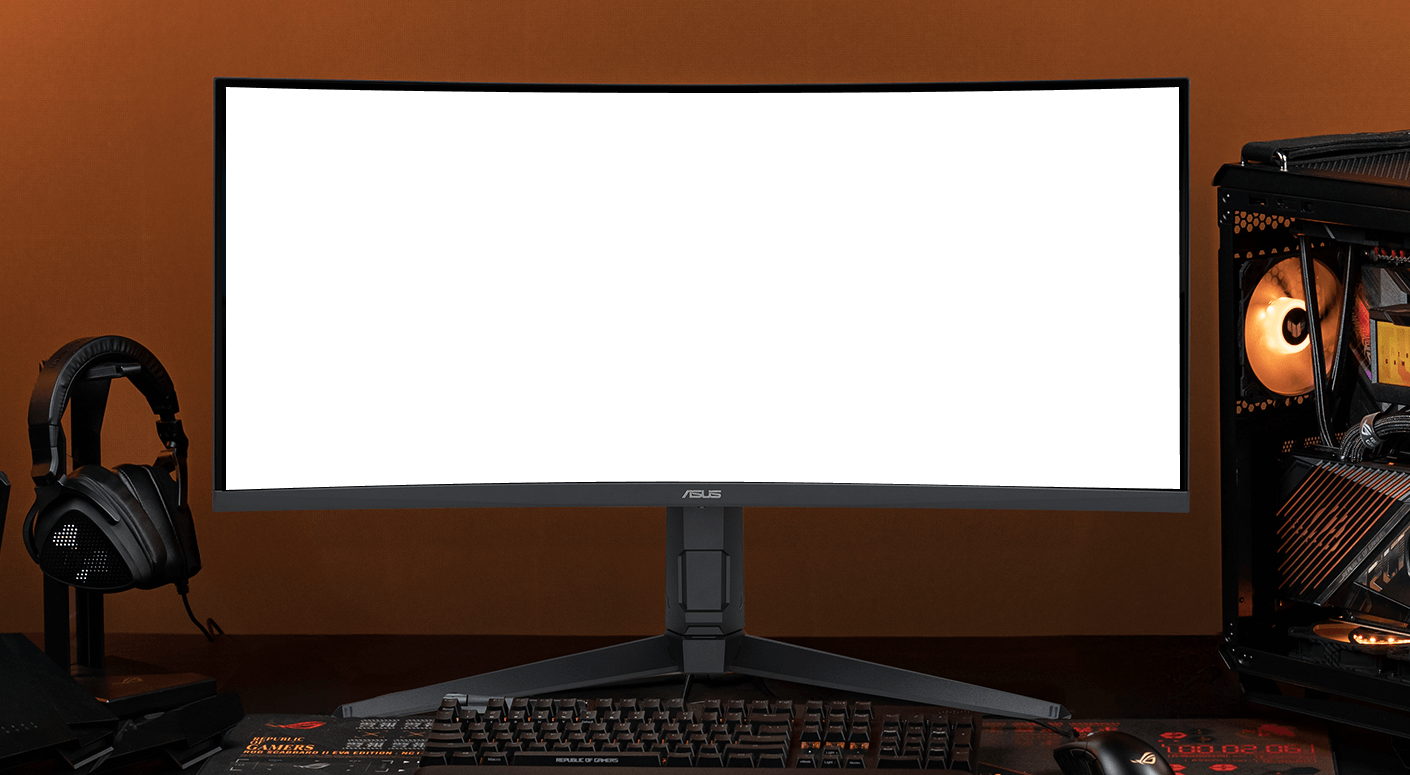
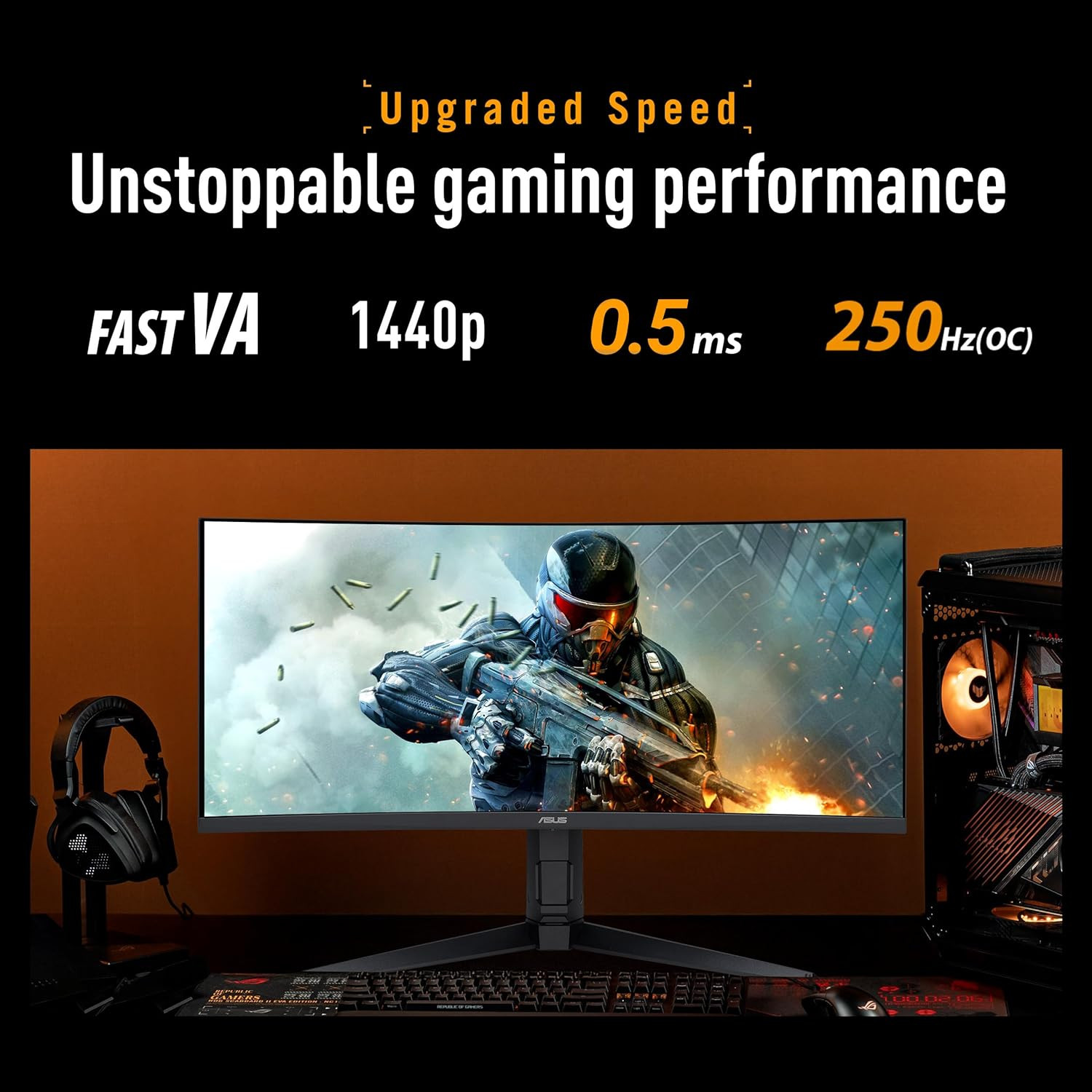
A VG34WQML5A monitor centered in frame, with a keyboard positioned in front, headphones to the left, and a computer tower to the right.

UPGRADED SPEEDUNSTOPPABLE GAMING PERFORMANCE

Boasting an impressive 250 Hz refresh rate (OC) and a 0.5ms (min) GTG response time, VG34WQML5A delivers lightning-fast gameplay with buttery-smooth, lag-free visual.

  • 0.5 ms
  • 250 Hz
In-game soldier shooting with 60Hz display lagging on left side versus VG34WQML5A monitor's 300Hz smooth crisp display on right.
60 HZ REFRESH RATE
250 HZ REFRESH RATE

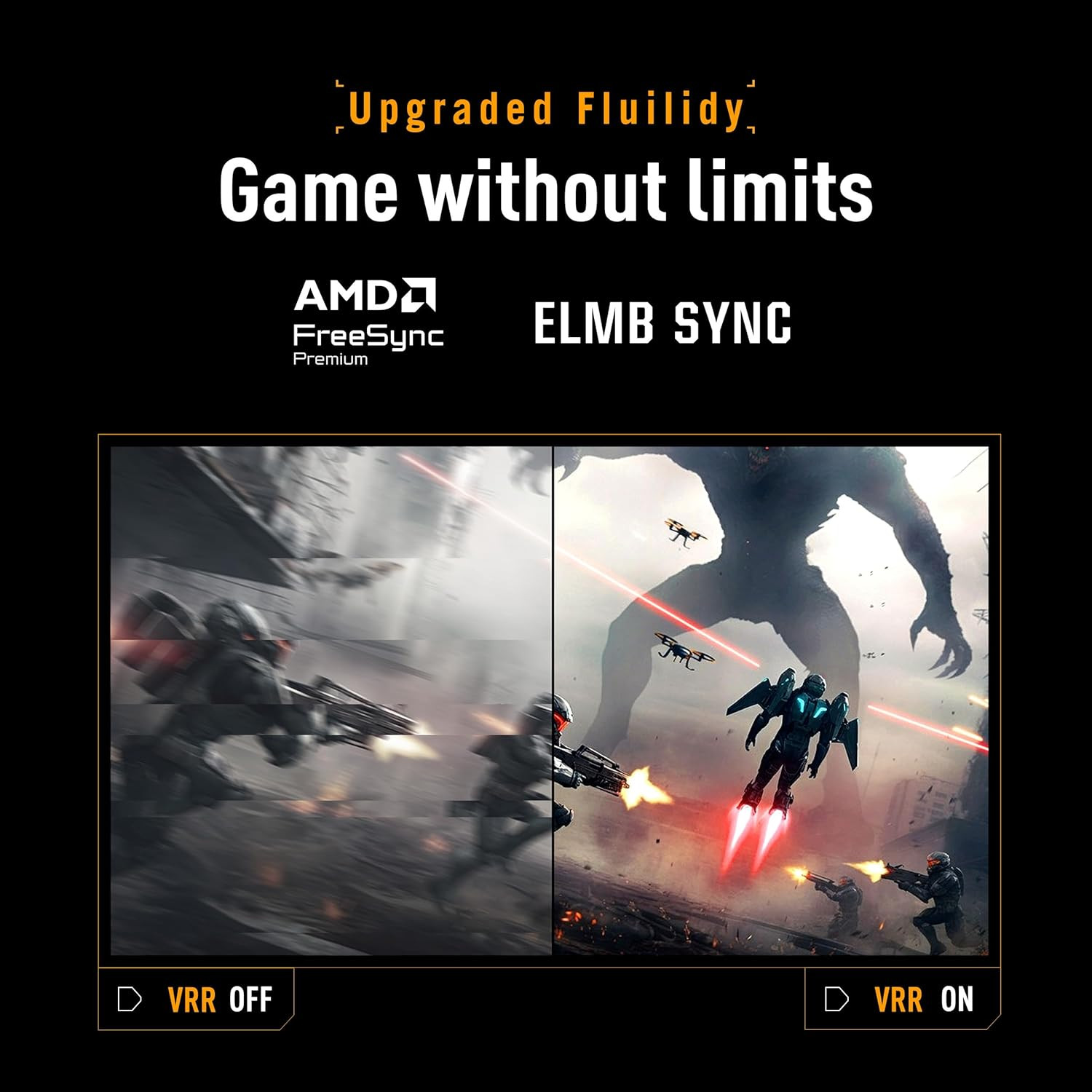
UPGRADED FLUIDITYGAME WITHOUT LIMITS

VG34WQML5A supports AMD FreeSync Premium technologies for smooth, tear-free visuals. Additionally, ASUS ELMB Sync eliminates ghosting during high-frame-rate gaming.

  • FreeSync Premium icon
  • ELMB SYNC
Soldier shooting monster with VRR off showing blur on left, tear-free on right.
VRR OFF
VRR ON

UPGRADED COLORSVIBRANT COLORS, ENHANCED GAMPLAY

DisplayHDR™ 400 and 95% DCI-P3 enables VG34WQML5A to showcase vibrant colors and deeper contrast for stunningly-immersive visuals.

  • 95% DCI-P3
  • DisplayHDR 400 icon
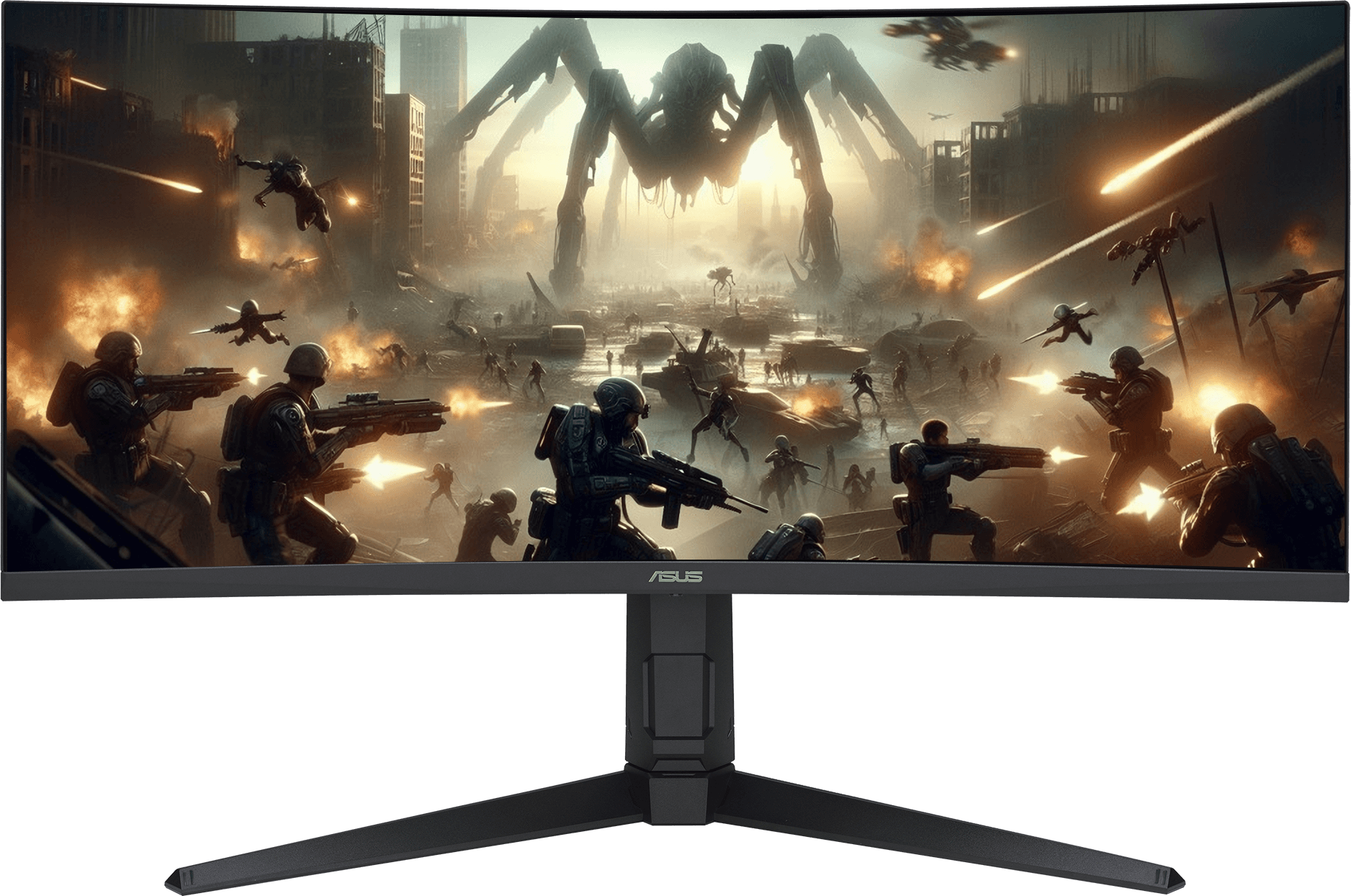
The VG34WQML5A monitor displaying vibrant, color-saturated gameplay footage of a combat scene

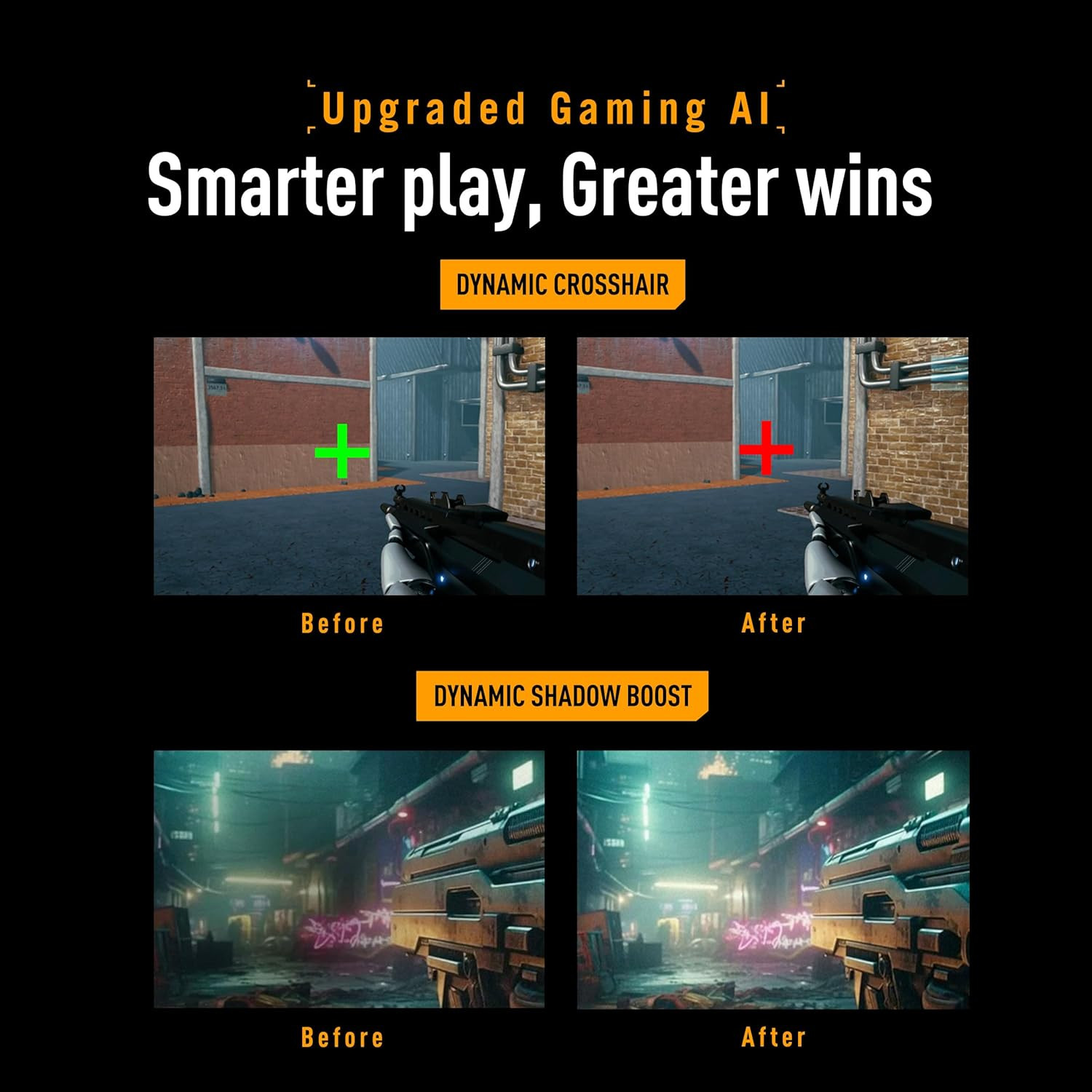
UPGRADED GAMING AISMARTER PLAY, GREATER WINS

Automatically changes the crosshair to a color that contrasts with the background, so it stands out for more accurate aim

The crosshair color changes from green to red when AI Crosshair is activated

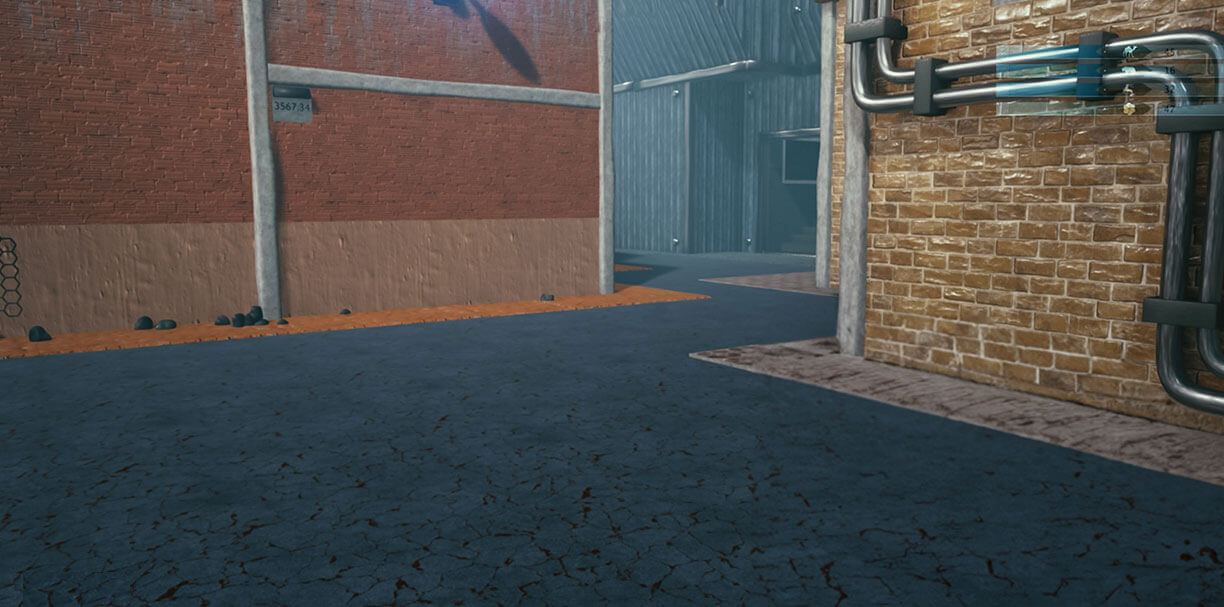
Automatically enhances dark areas of the scene to make it easier to spot enemies hiding in dim areas of the map

Screenshot of an FPS game

Automatically detects what's onscreen and adjusts to provide the best default or user-preset monitor settings through DisplayWidget Center

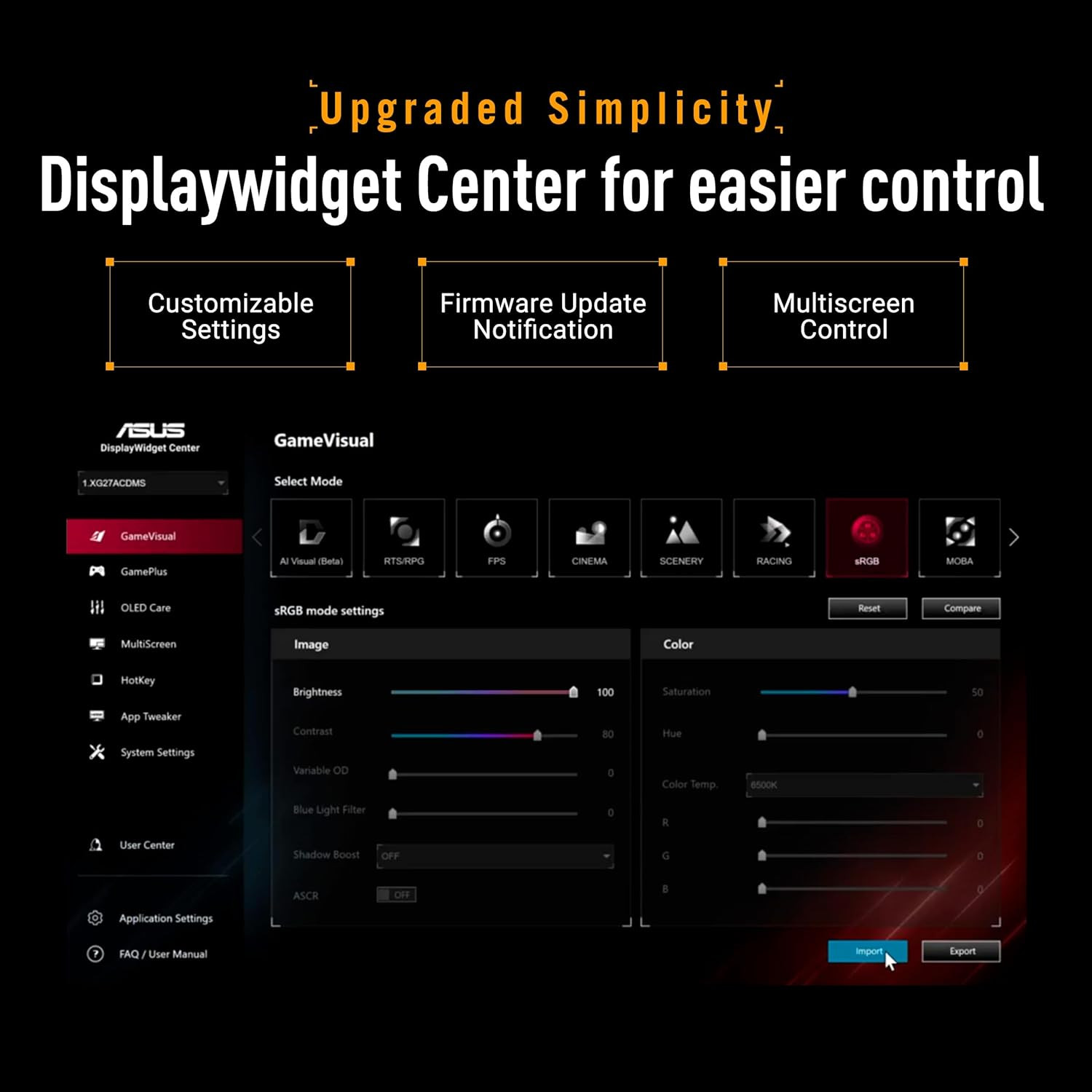
UPGRADED SIMPLICITYEASIER CONTROL

Easily manage, optimize, and personalize your settings with your mouse in DisplayWidget Center.

Screenshot of the new ASUS DisplayWidget Center UI showing system setting.
  • Firmware Update Notification
  • Customizable monitor settings
  • Multiscreen Control

ASUS GameVisual technology provides eight pre-set display modes to enhance visuals for various content types. Easily switch modes via a hotkey or the OSD menu.

Monitor with racing mode reduces input lag for real time gamplay

GameVisual ON

Without racing mode, input lag increases.

GameVisual OFF

Reduces input lag for real time racing and fast gaming experience.

The ASUS-exclusive GamePlus hotkey offers in-game enhancements that have been designed with input from pro gamers―all to help improve your skills and gameplay.

Game Screenshot
The Sniper feature zooms in on the head of the man in the middle of the screen
A crosshair overlay in the middle of the screen
The FPS game scene; the Timer overlay can be seen on the upper-left corner of the screen
The FPS game scene; the FPS counter overlay can be seen on the upper-left corner of the screen
The FPS game scene; with the display alignment feature activated

ENGINEERINGCONNECTIVITY AND ERGONOMICS

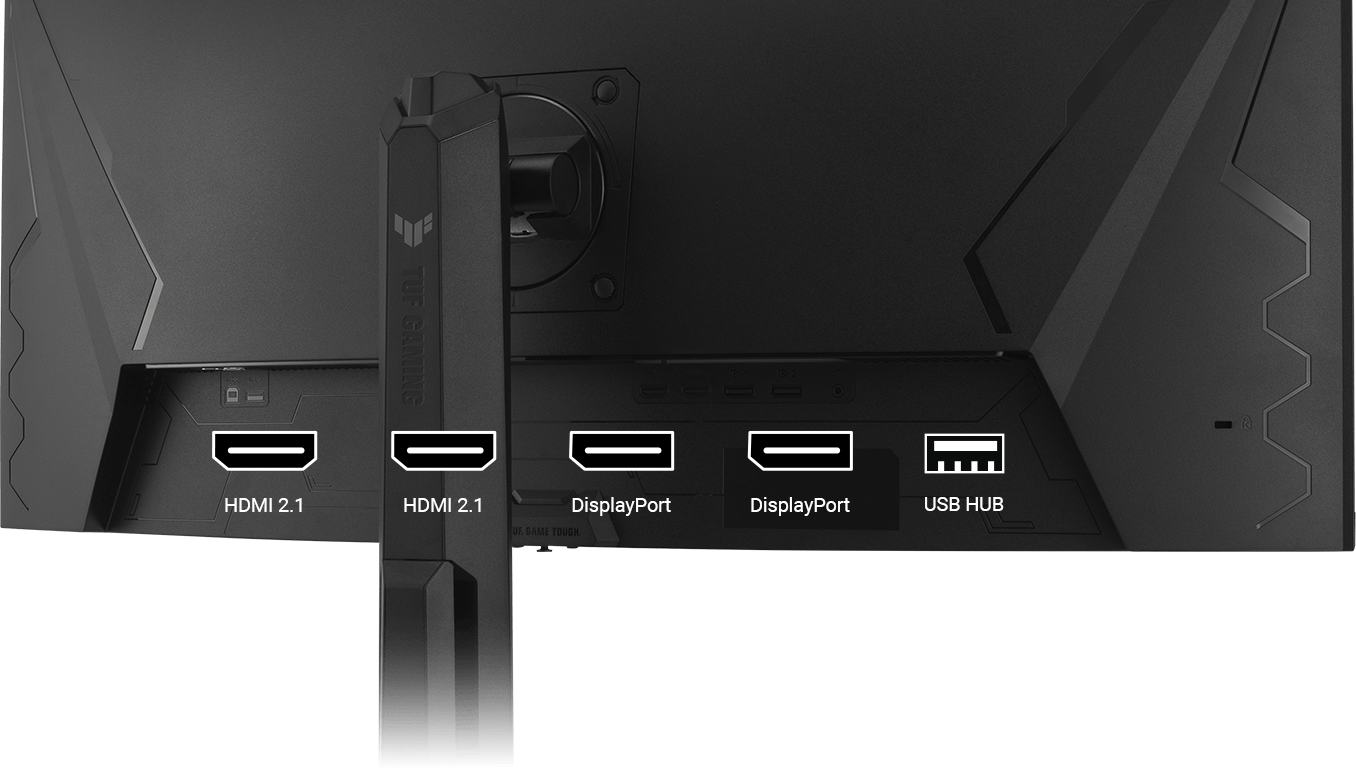
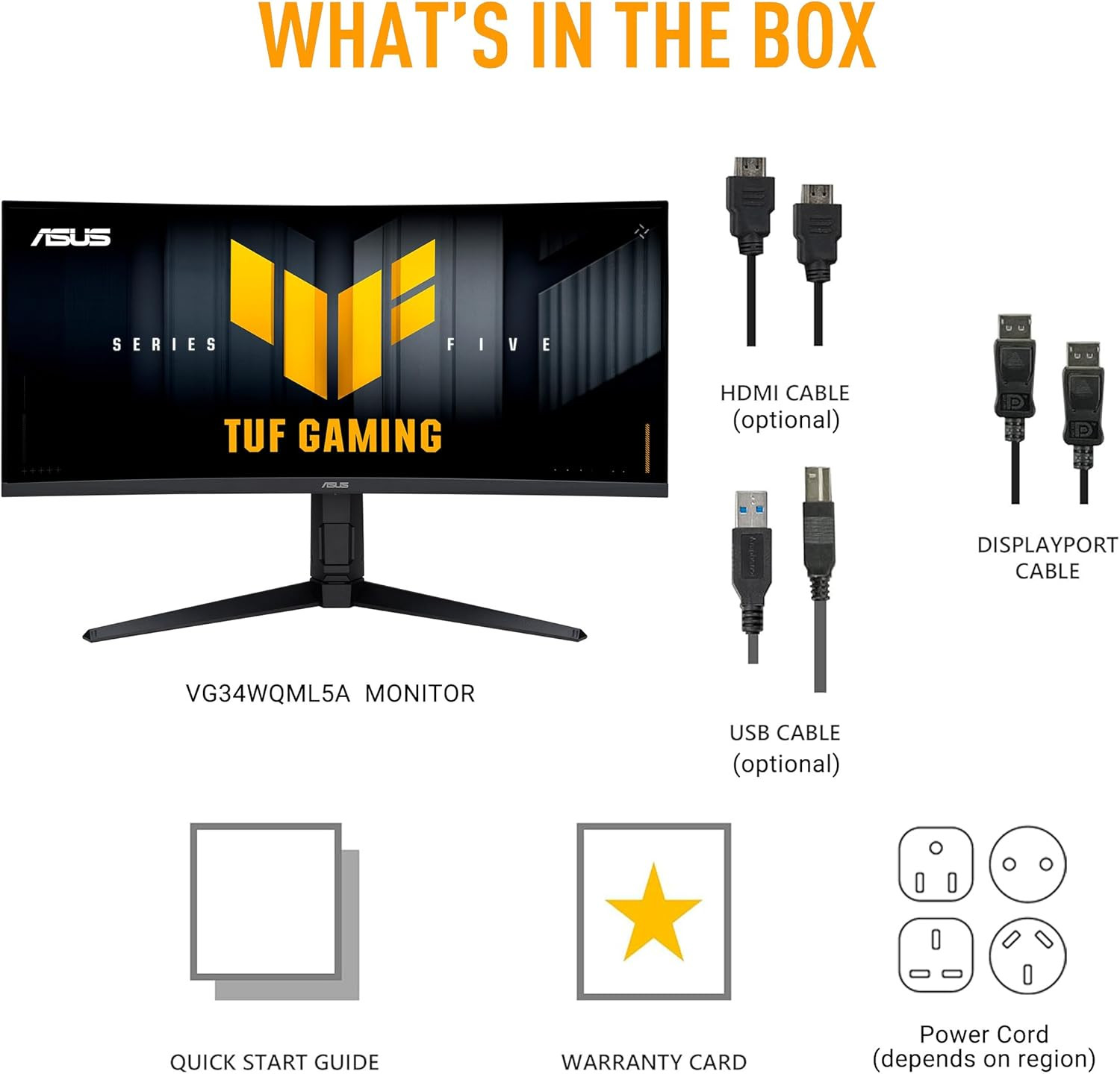
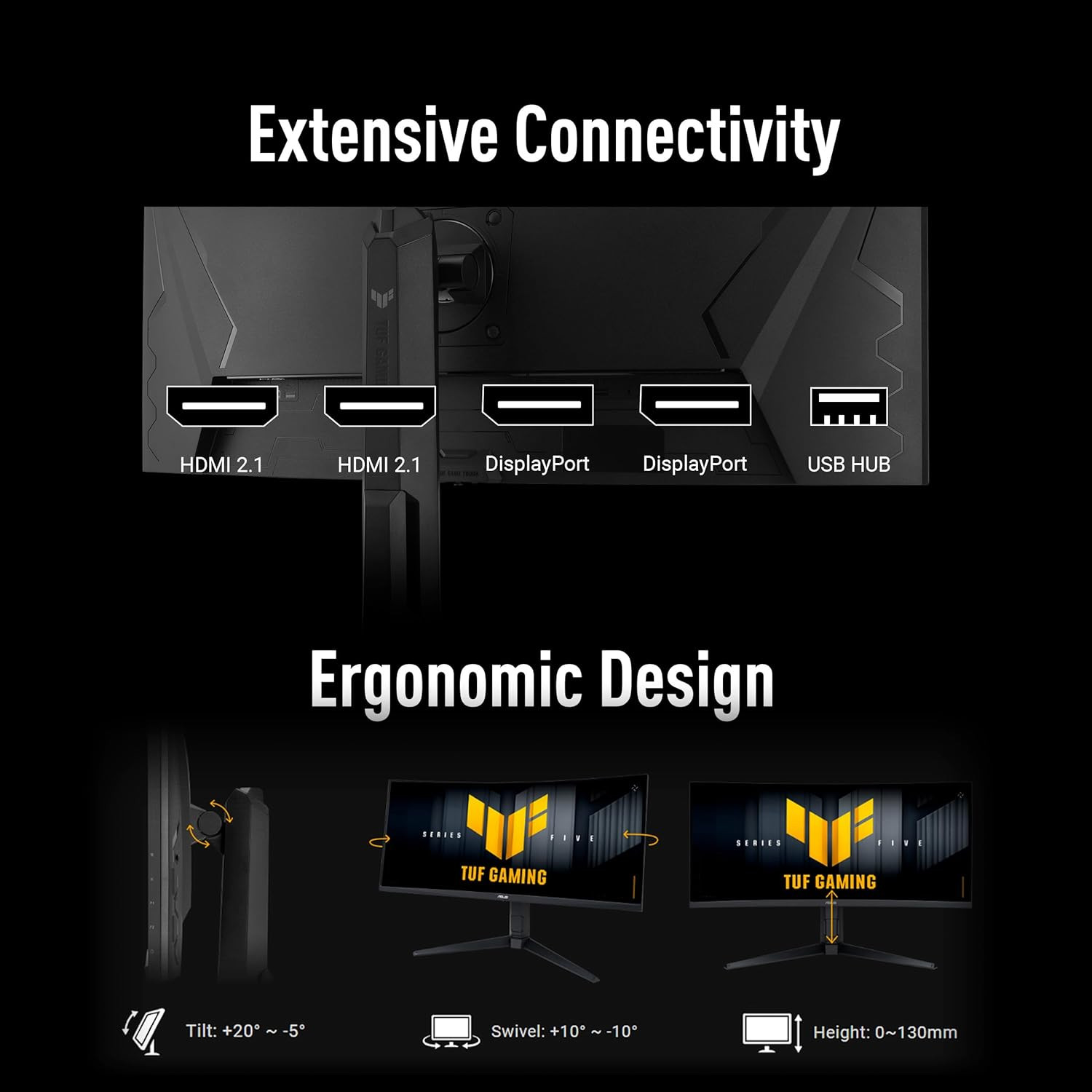
A multitude of connectivity options includes two HDMI® 2.1 ports, two DisplayPort™ 1.4, and a USB hub, ensuring wide compatibility with a variety of input sources.

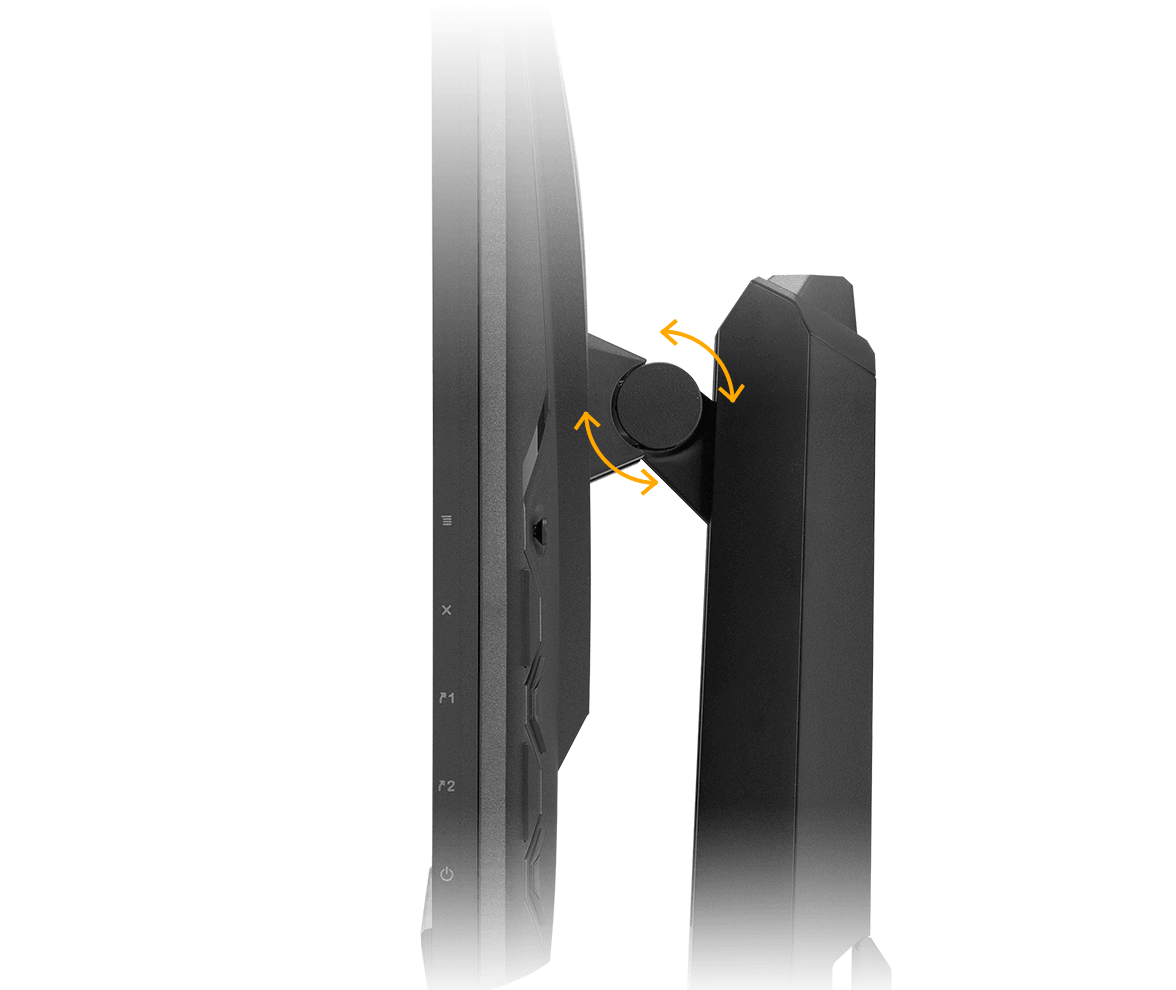
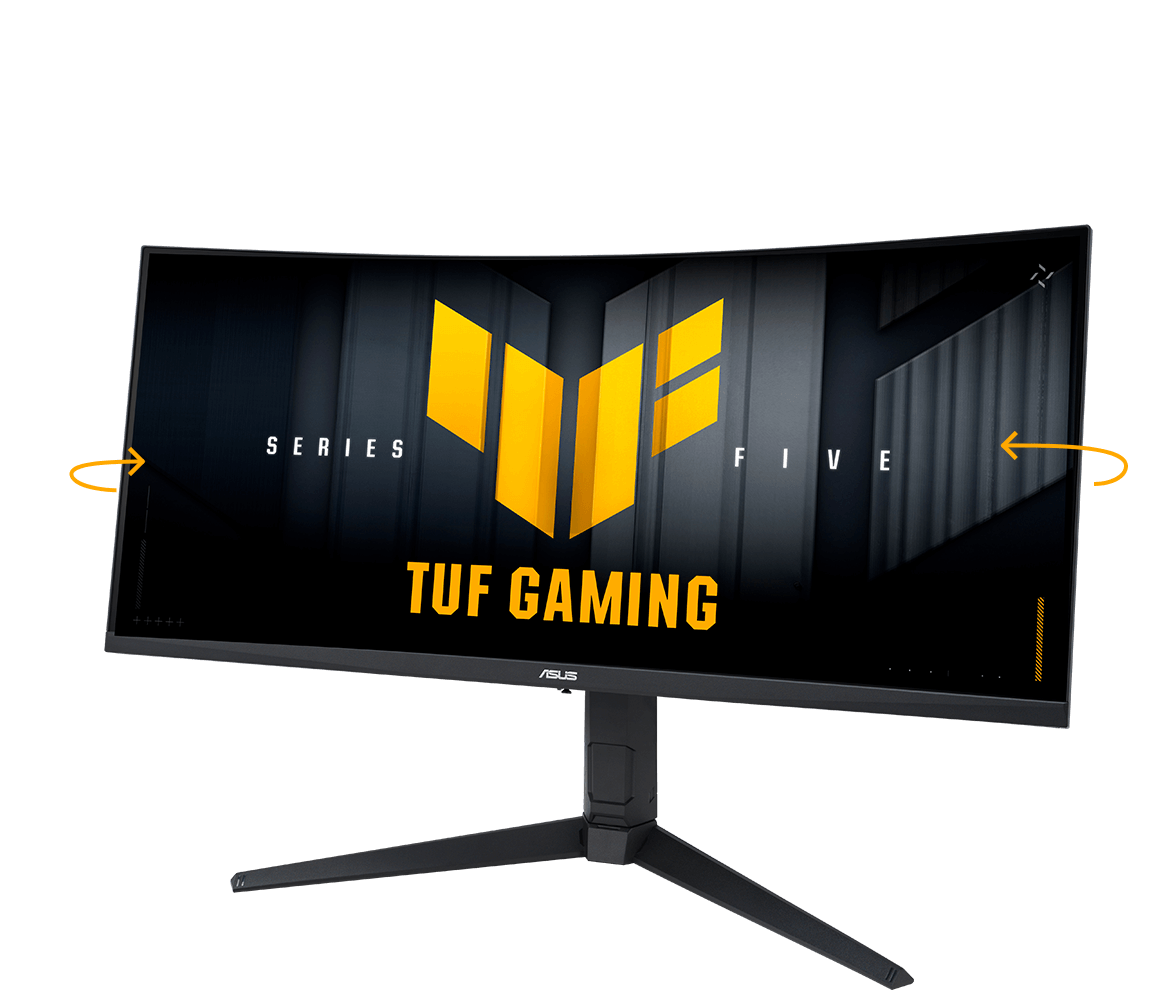
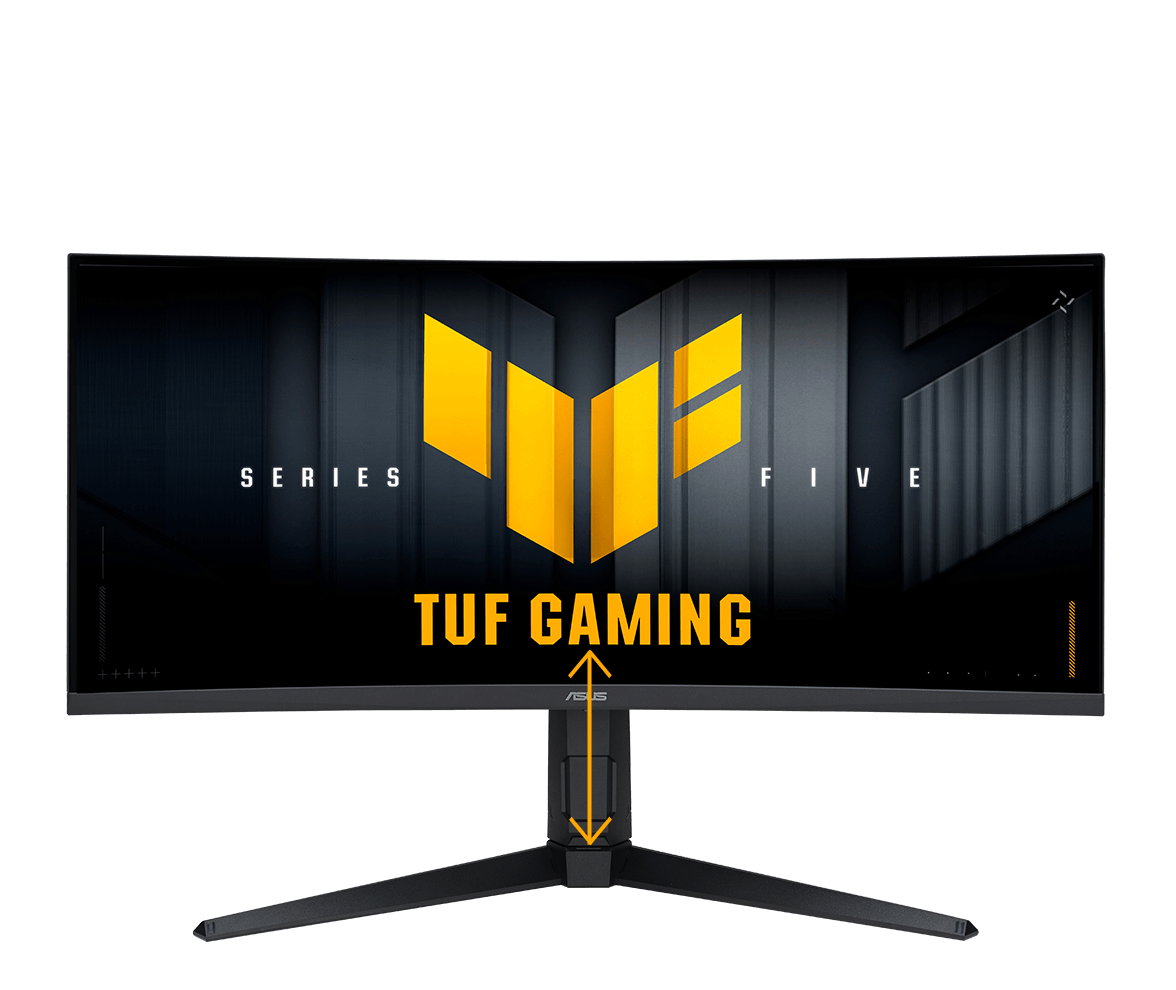
The ergonomic stand offers tilt, swivel, and height adjustments, plus VESA compatibility for wall mounting.

  • Tilt angle of VG34WQML5A
    Tilt

    Tilt: +20° ~ -5°

  • Swivel angle of VG34WQML5A
    Swivel

    Swivel: +10° ~ -10°

  • Height adjustment of VG34WQML5A
    Height

    Height: 0~130mm

EYE CAREEYE CARE TECHNOLOGY

ASUS Low Blue Light technology reduces harmful blue light while maintaining superior color performance.

Monitor with hardware-based ASUS Low Blue Light reduces harmful blue light emissions.

Low Blue Light

Monitor without hardware-based ASUS Low Blue Light will have visuals with a yellowish tinge.

Conventional blue light filter

Flicker-Free technology reduces flicker to minimize eyestrain, helping ensure comfort during long gaming sessions.

Monitor with ASUS Flicker-Free technology.

With Flicker-Free technology

Monitor without ASUS Flicker-Free technology.

Without Flicker-Free technology

FIND YOUR IDEAL TUF GAMING MONITOR

Display
Panel Size (inch)3431.527
Aspect Ratio21:916:916:9
Panel TypeVAFast VAFast IPS
Resolution3440x14401920x10802560x1440
Response Time1ms(GTG), 0.5ms(min.)0.5ms (GTG, min.)1ms(GTG), 0.3ms(min.)
Refresh Rate (Max)250Hz250Hz300Hz
Mechanical Design
Height Adjustment0~130mmN/A0~130mm


Reviews & Ratings

0 out of 5.0
(0 reviews)
There have been no reviews for this product yet.

Related products

Computer Plus

If you have any questions, please get in touch with us at
sales@computerplus.com.mv

All categories
Flash Sale
Todays Deal